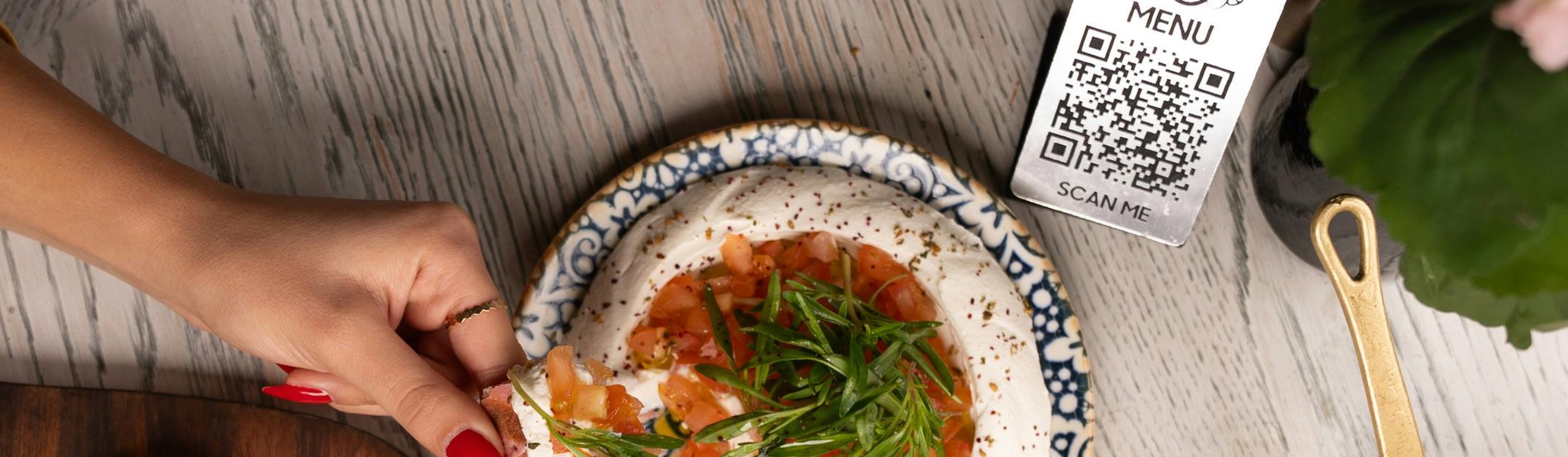
QR Menus: For Better or for Worse
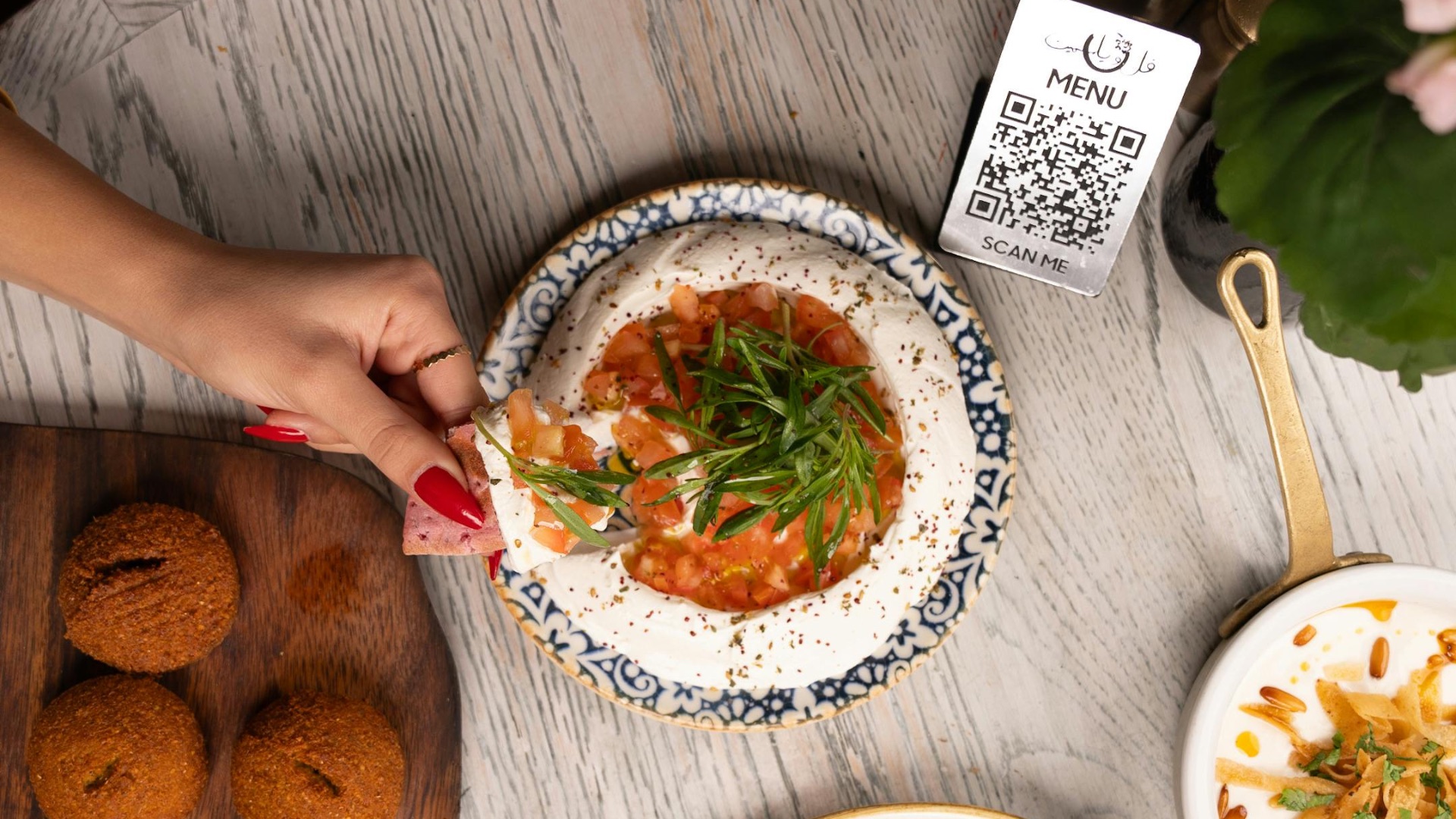
Which do you prefer: a traditional paper menu or a code that you scan that takes you to a digital one? While the latter might sound like the most convenient option, there's a reason why diners still rather take a physical booklet than squint at their phone screens. After all, QR menus can feel oddly impersonal, and pretty frustrating the design is clunky, the descriptions are vague, and the font size is tiny. But they can, at least, make ordering faster and reduce clutter on your dining table. So, which side are you on? Let's take a look at why QR restaurant menus can be so irritating to navigate, and why some people may still prefer them.
1. Dish Descriptions Can Be Vague
A good menu description helps you understand what’s actually in a dish, especially if you’re watching for allergens, spice levels, or ingredients you dislike. Some QR code menus make that harder because the website format is cluttered, compressed, or built around quick scrolling instead of useful detail. When dish descriptions get shortened or cut off, you’re left guessing about the things a traditional printed menu would usually make clearer.
2. Bad Cell Service Can Ruin the Whole Process
A QR code menu only works well when your phone can actually load the page. If the restaurant has spotty service or weak Wi-Fi, you may spend the first few minutes staring at a blank screen instead of choosing what to eat. That frustration feels even more unnecessary when a printed menu would have worked instantly.
3. The Websites Aren’t Always Easy to Use
Some QR code menus open clean, simple pages, but plenty of them send you to clunky websites that are hard to navigate. You might have to zoom in, scroll sideways, or tap through too many categories just to find the appetizers. When the menu design is awkward, the technology feels like it’s creating a problem rather than solving one.
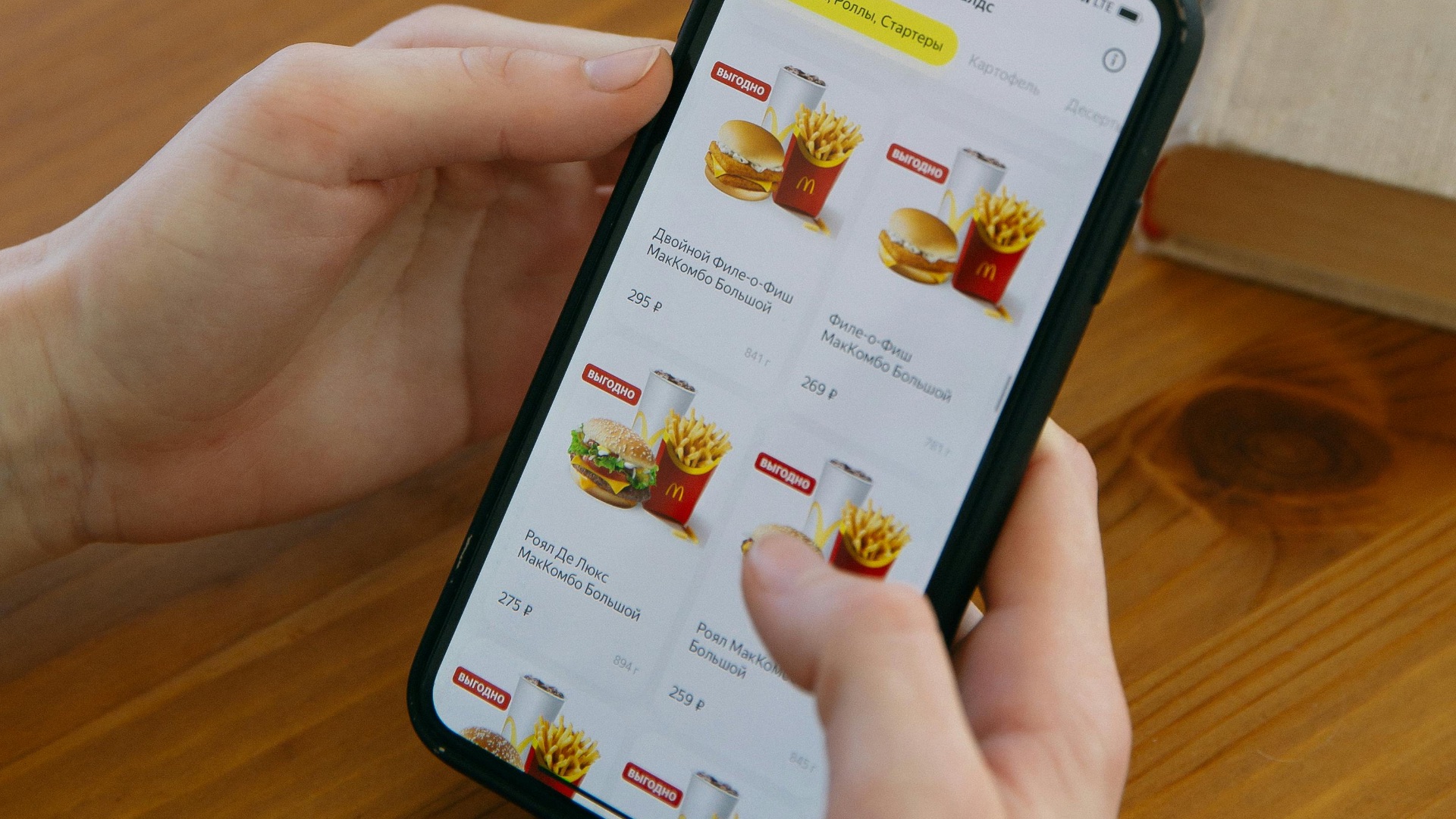
4. Can Feel Less Personal
Part of dining out is the human rhythm of being seated, handed a menu, and having a server check in with you. When the menu is reduced to a code on the table, that first interaction can feel more transactional. It doesn’t ruin the meal, but it can make the experience feel a little less welcoming.
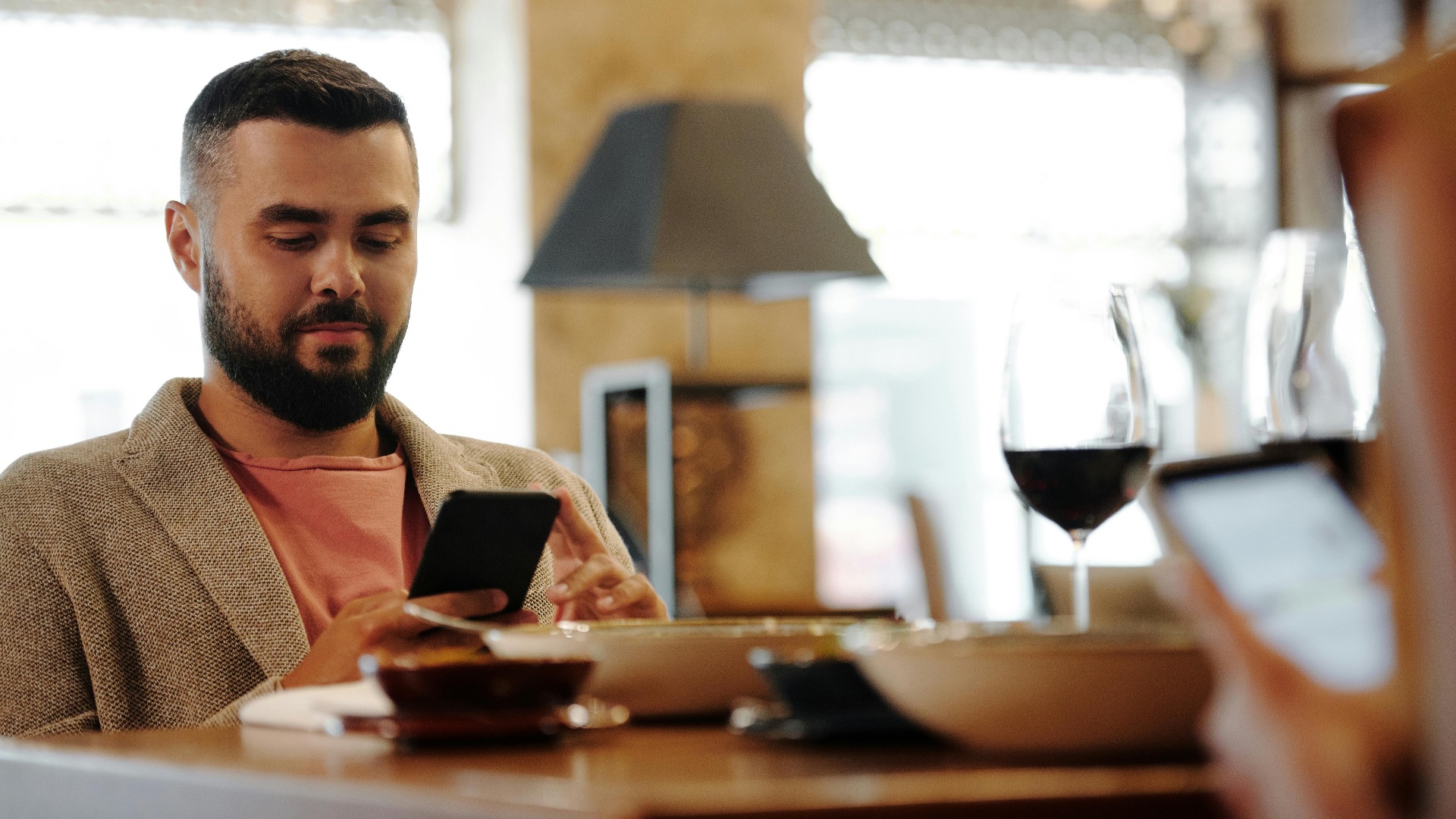
5. Not Everyone Finds Them Accessible
QR code menus can be especially frustrating for people who don’t use smartphones easily, have vision challenges, or prefer larger printed text. Even with zoom features, reading a long menu on a small screen can be uncomfortable. Restaurants that rely only on digital menus risk making some guests feel like an afterthought.

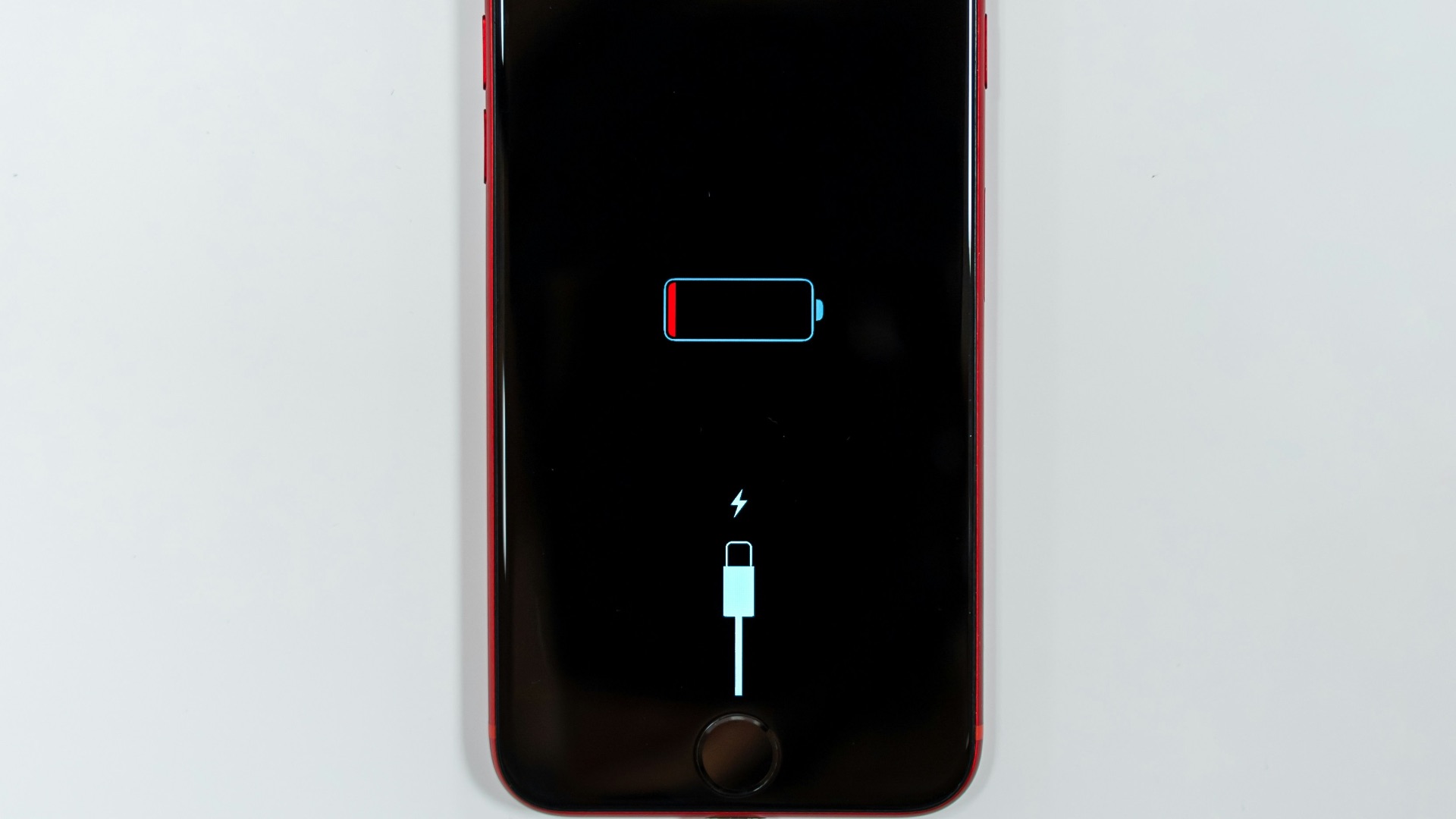
6. Drain Your Phone Battery
Nobody wants to worry about their battery percentage while deciding between tacos and pasta. If your phone is already low, being forced to scan a menu, browse photos, check prices, and maybe order through the site can feel inconvenient. A meal shouldn’t require you to ration your phone power.
7. Can Interrupt Conversation
When everyone at the table has to look at their own phone, the first few minutes can become unusually disconnected. Instead of talking through what looks good or asking the server questions, people often disappear into their screens. That doesn’t always happen, but it’s a common enough experience to make QR menus feel socially awkward.

8. The Code Sometimes Doesn’t Work
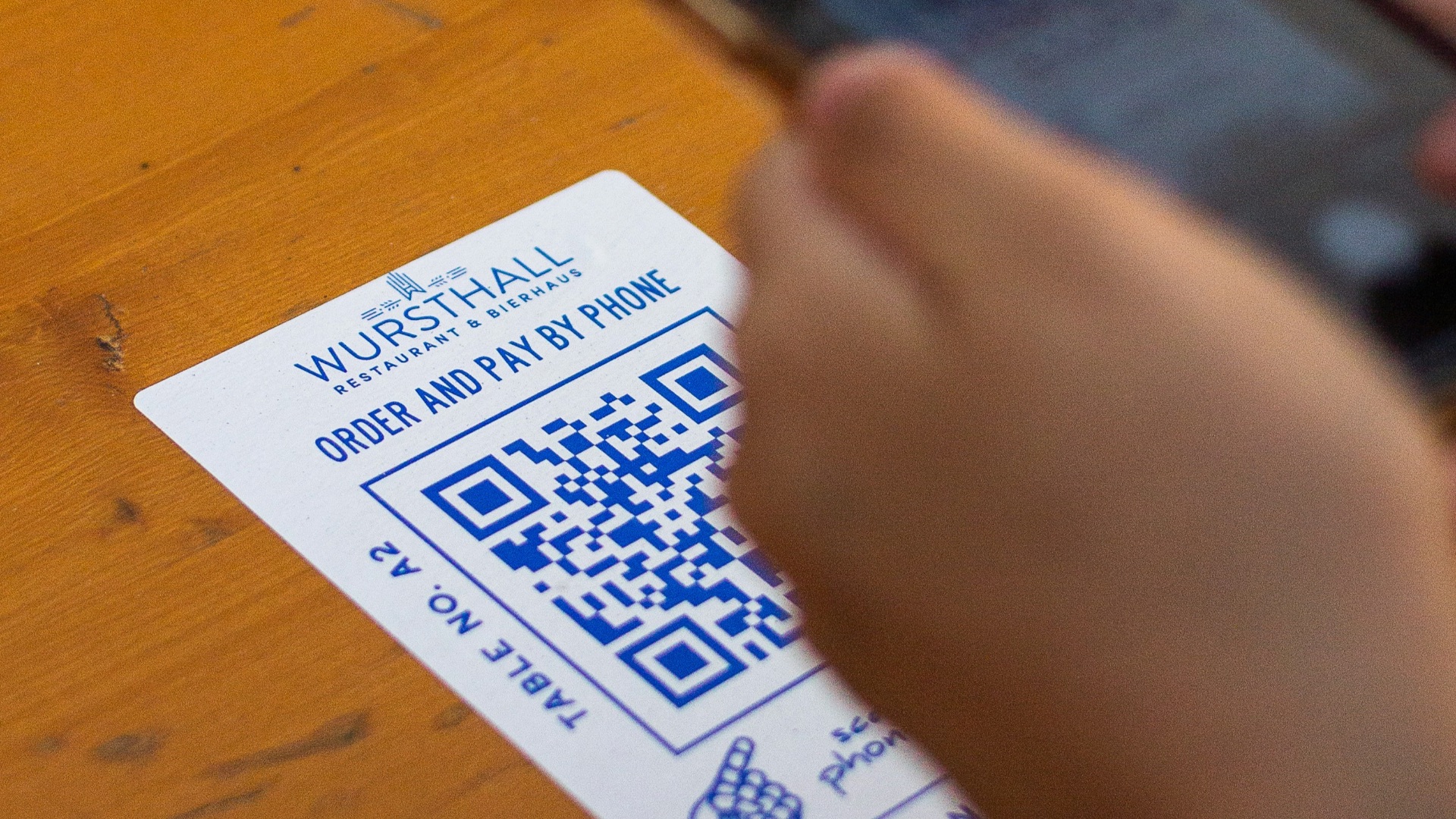
A smudged sticker, bad lighting, a damaged code, or a camera that won’t focus can turn a simple task into a small annoyance. You may end up moving your phone around the table, asking someone else to scan it, or waiting for a server to help. It’s not a major crisis, but it’s exactly the kind of tiny friction that makes people miss paper menus.
9. Can Feel Like Extra Work
A printed menu asks nothing of you except reading it. A QR menu often asks you to scan, load, scroll, tap, close pop-ups, choose a location, or confirm a table number before you can even browse. When you’re hungry, those extra steps can feel more annoying than they should.

10. Raise Privacy Concerns
Some digital menus are simple web pages, but others involve tracking tools, ordering platforms, or prompts for your email and phone number. That can make guests wonder what information is being collected just because they wanted to see the drink list. Even when nothing suspicious is happening, the lack of clarity can make the experience feel less comfortable.
Still, QR code menus aren’t all bad. When restaurants design them well and still offer printed menus when needed, QR menus can actually make dining smoother in several practical ways. Here's how:
1. Easy to Update
Printed menus can become outdated quickly when prices change, dishes sell out, or seasonal items rotate. QR code menus let restaurants make updates without reprinting everything. That means you’re more likely to see accurate prices, current specials, and items that are actually available.
2. Can Sometimes Show More Detail
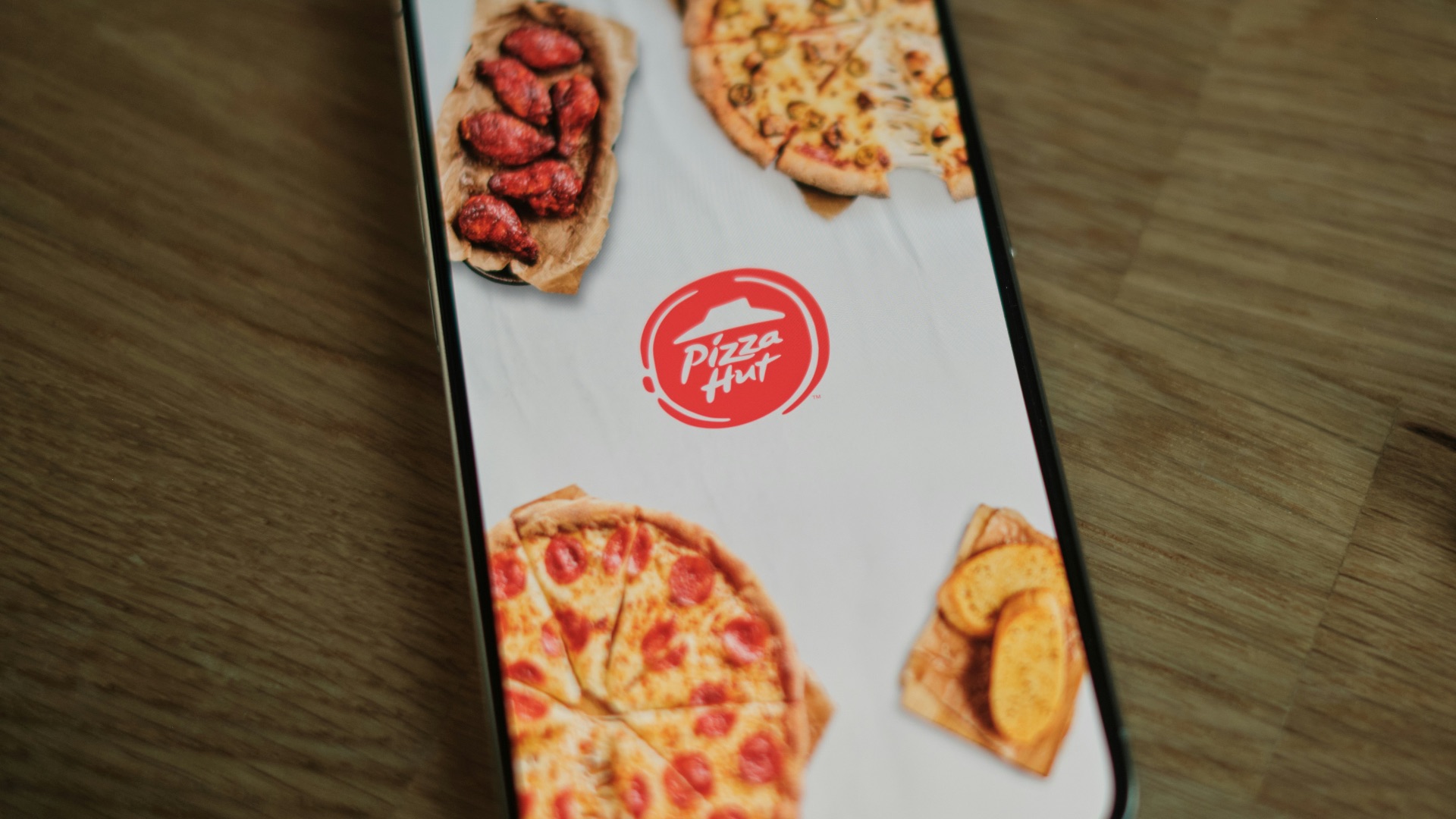
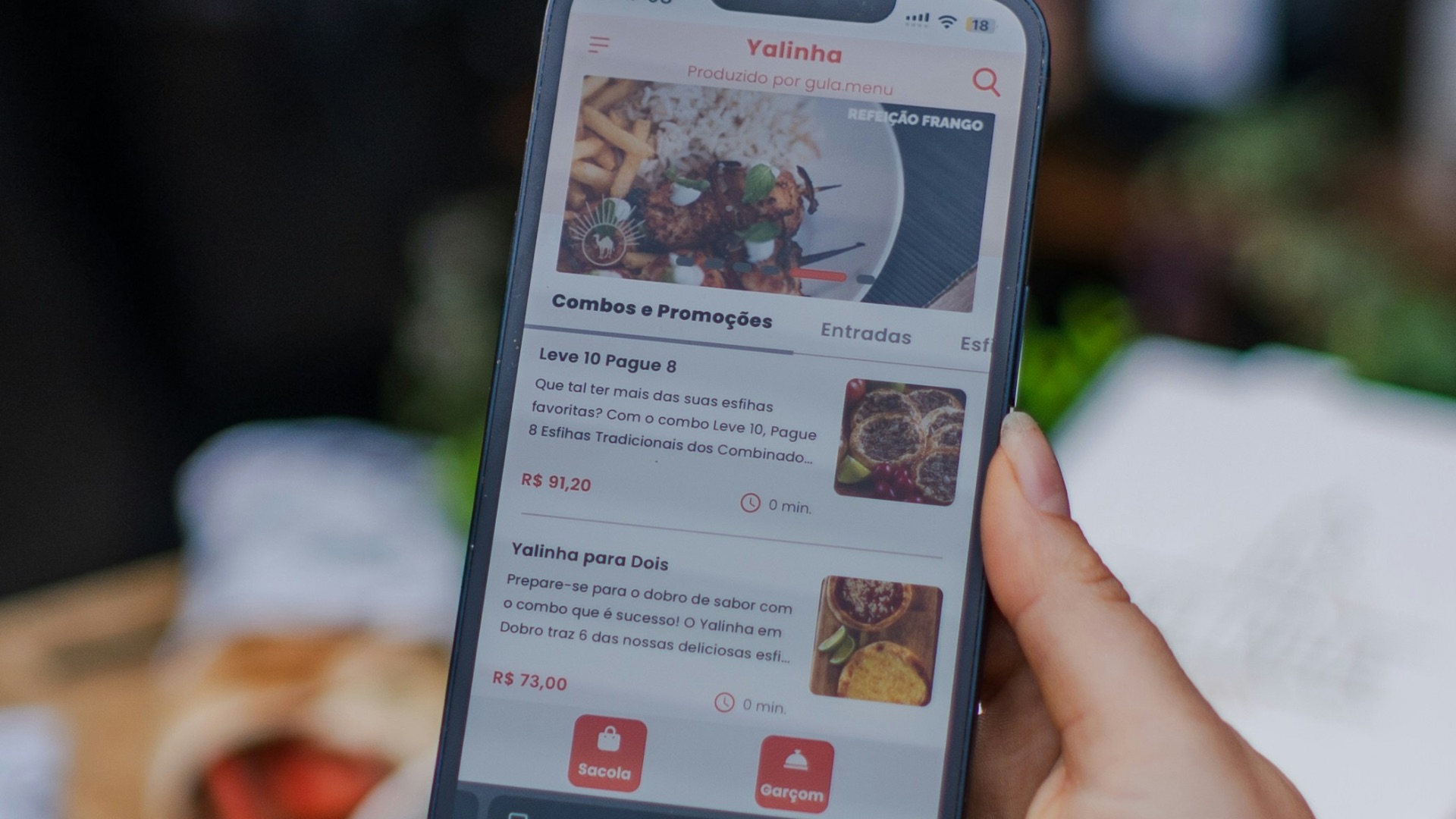
When designed well, a digital menu can sometimes actually have more room for descriptions, ingredient notes, spice levels, photos, and dietary information without looking crowded. This perk, however, is limited to how user-friendly the menu is created; if you're dining at a hole-in-the-wall or a spot in town that's not as well-known, you might be stuck with cluttered menu interfaces.
 Rodrigo Rodrigues | WOLF Λ R T on Unsplash
3. Can Speed Up Ordering
When QR menus are connected to ordering systems, you can sometimes place your order without waiting for a server to return. That’s especially helpful in busy casual restaurants, bars, food halls, and cafes where service can get backed up. You still get the dining experience, but you don’t have to wait as long to get things started.
4. Reduce Menu Clutter
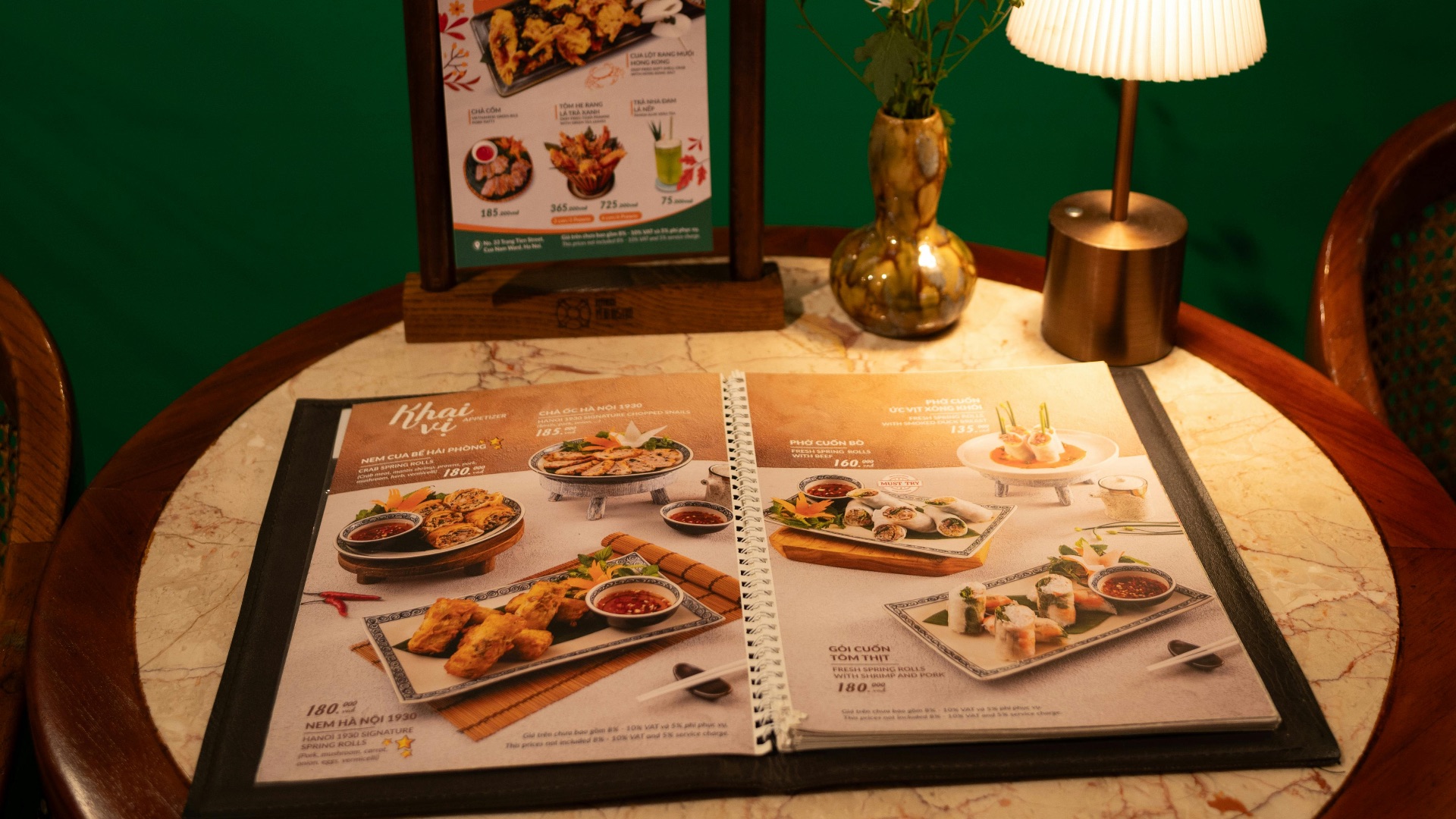
Some restaurants have huge menus, separate drink lists, brunch inserts, dessert cards, and specials sheets. A QR code can organize all of that in one place without filling the table with paper. When the digital layout is done well, it can be easier to move between sections than shuffle through multiple physical menus.
5. Helpful for Large Groups
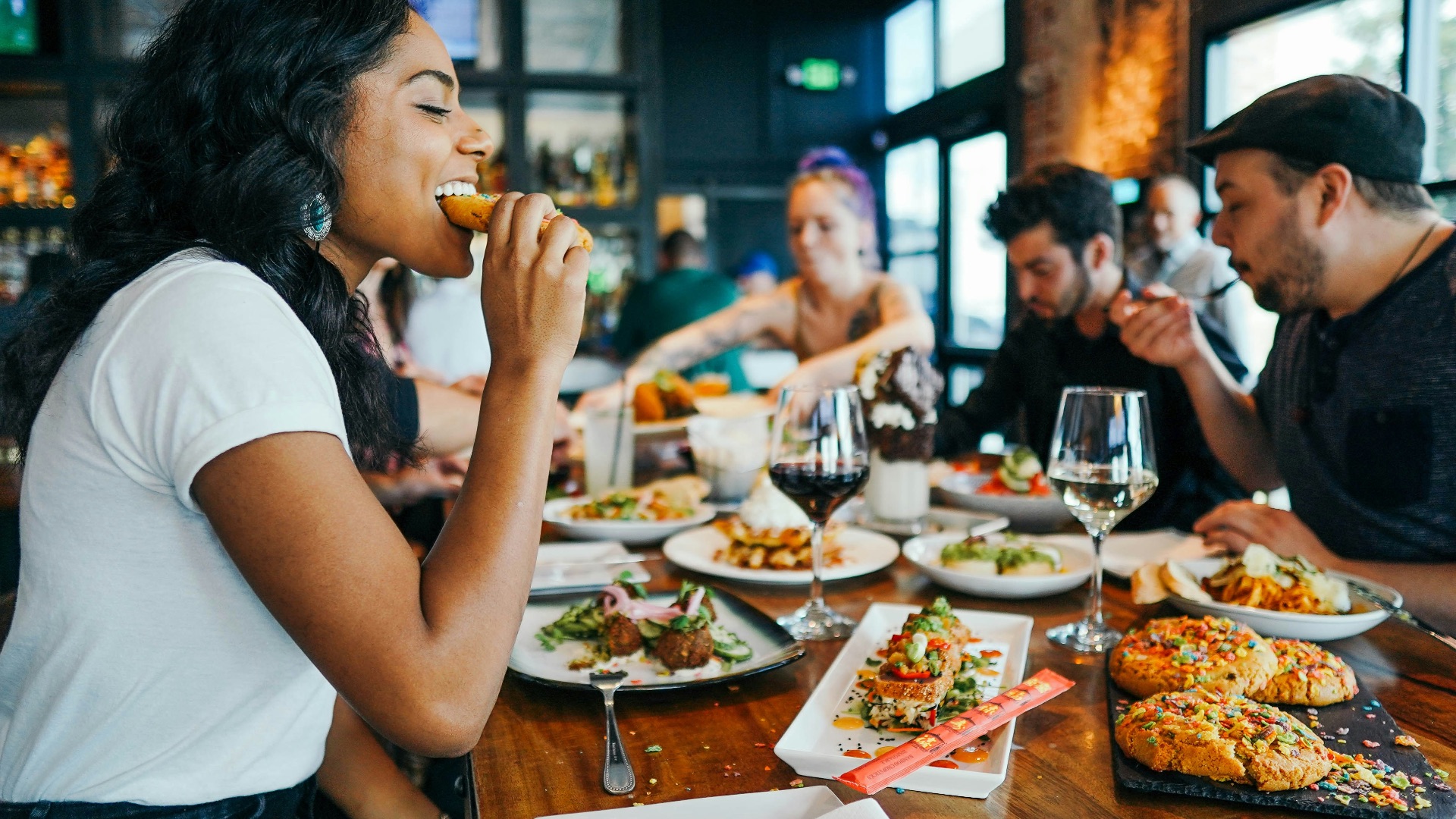
In a large group, printed menus can be passed around, misplaced, or trapped under someone’s elbow. With a QR code, everyone can look at the menu at the same time. That makes ordering feel less chaotic, especially when people are comparing dishes, choosing shared plates, or figuring out drinks.
6. Can Support Multiple Languages
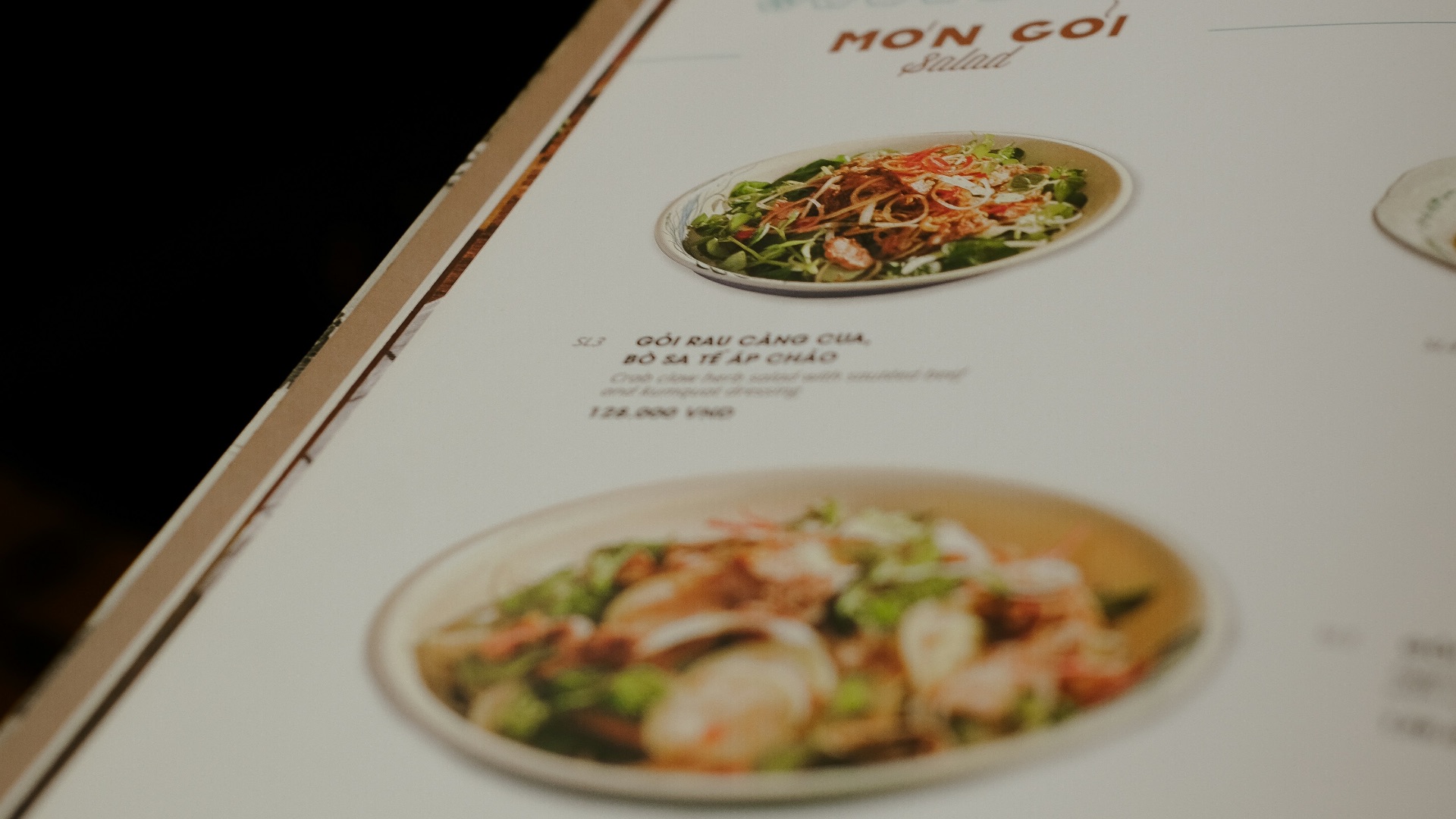
Digital menus can offer language options more easily than printed ones. That’s a real advantage for travelers, international neighborhoods, and restaurants that serve a wide range of guests. Instead of guessing your way through unfamiliar terms, you may be able to read the menu in a language that’s more comfortable for you.
7. Can Make Splitting Checks Simpler
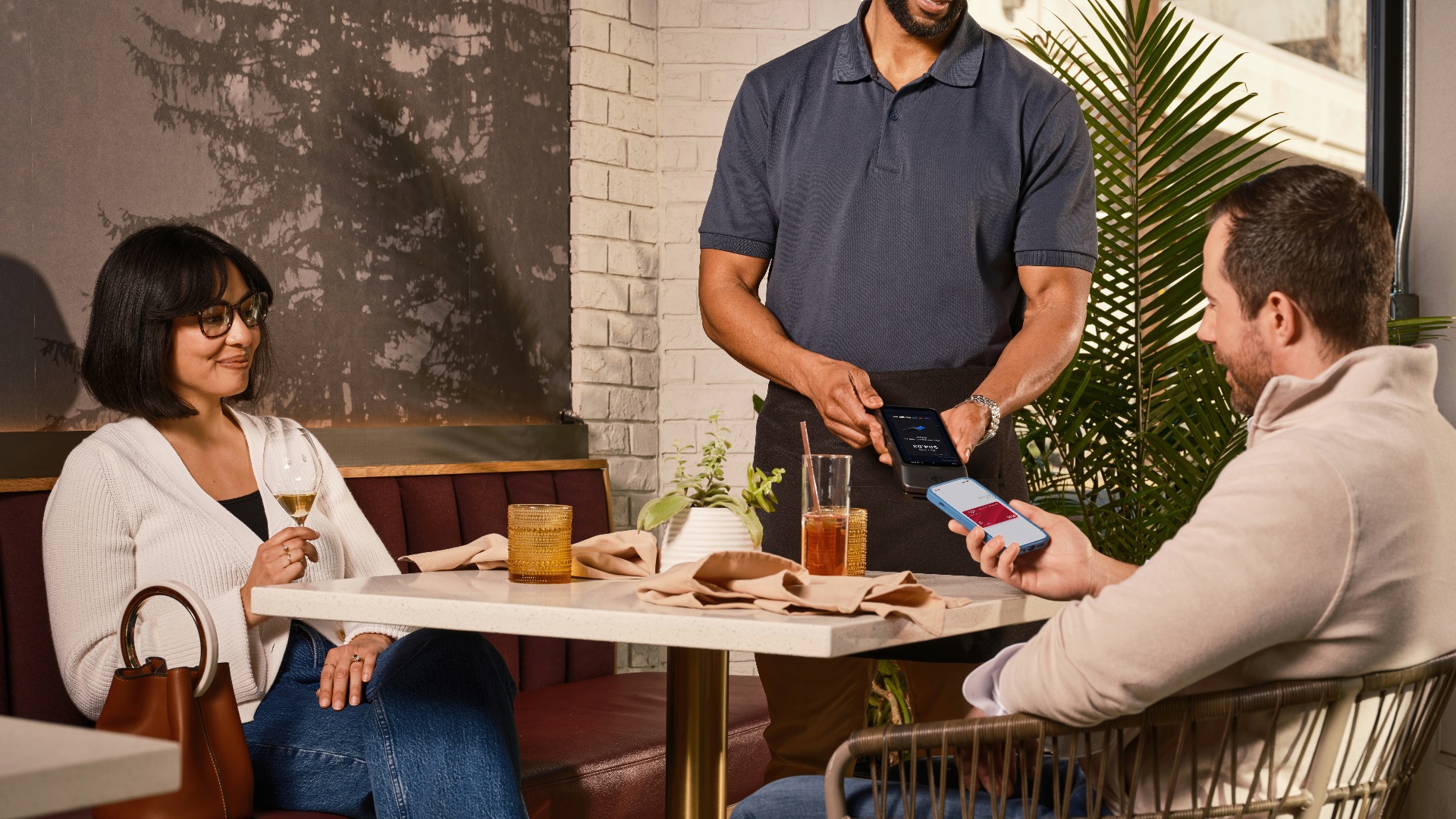
Some QR systems allow each person to order and pay from their own phone. That can save everyone from the awkward end-of-meal math where one person tries to remember who ordered what. It also helps servers manage complicated tables without having to separate the bill manually after the fact.
8. Cut Down On Waste
Restaurants that change menus often can go through a lot of paper, especially when specials, prices, or seasonal dishes shift. Digital menus reduce the need to print new versions every time something changes. That doesn’t make every QR menu perfect, but it does solve a real waste problem for businesses that update frequently.
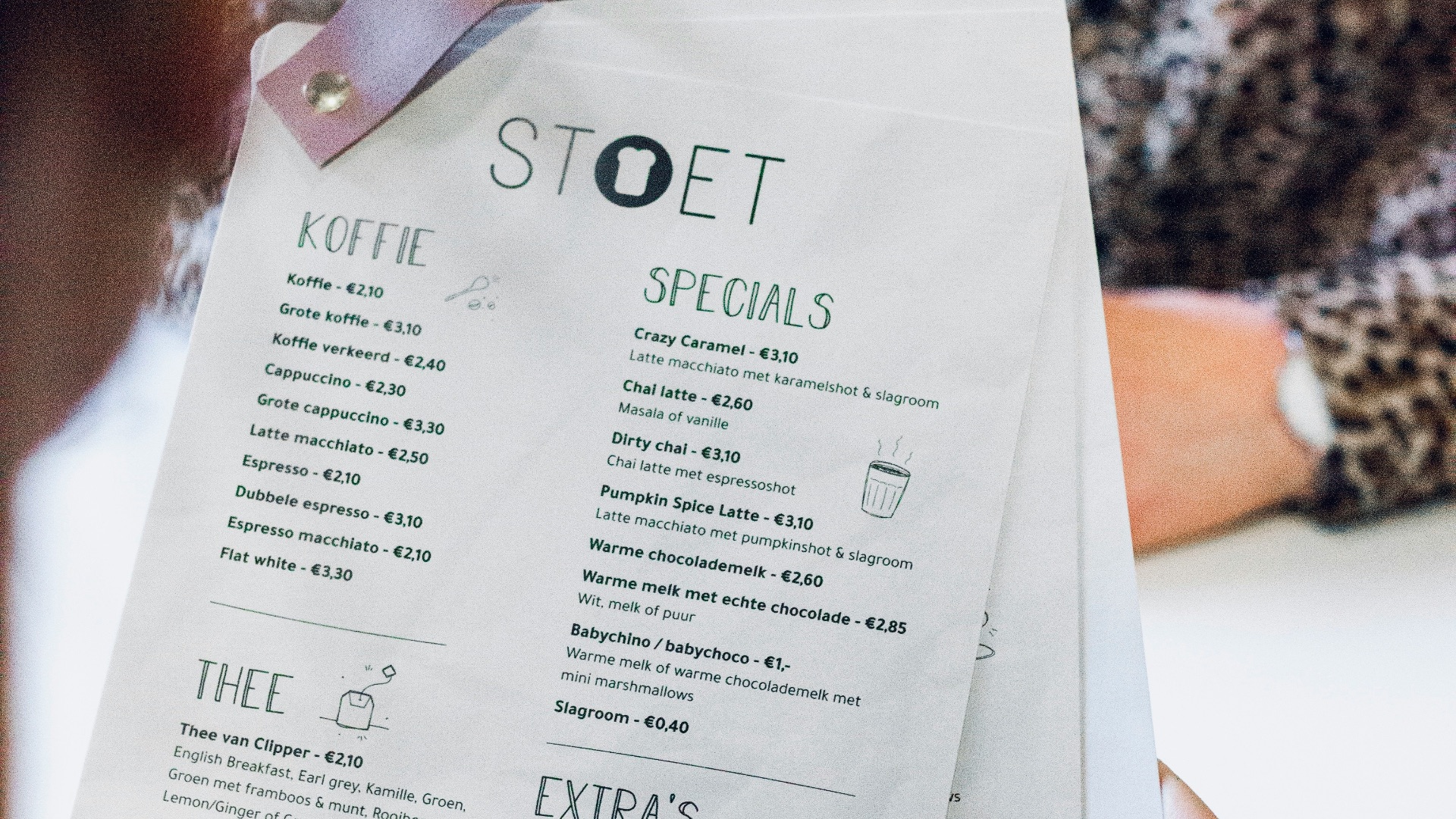
9. Can Include Photos Without Overcrowding the Menu
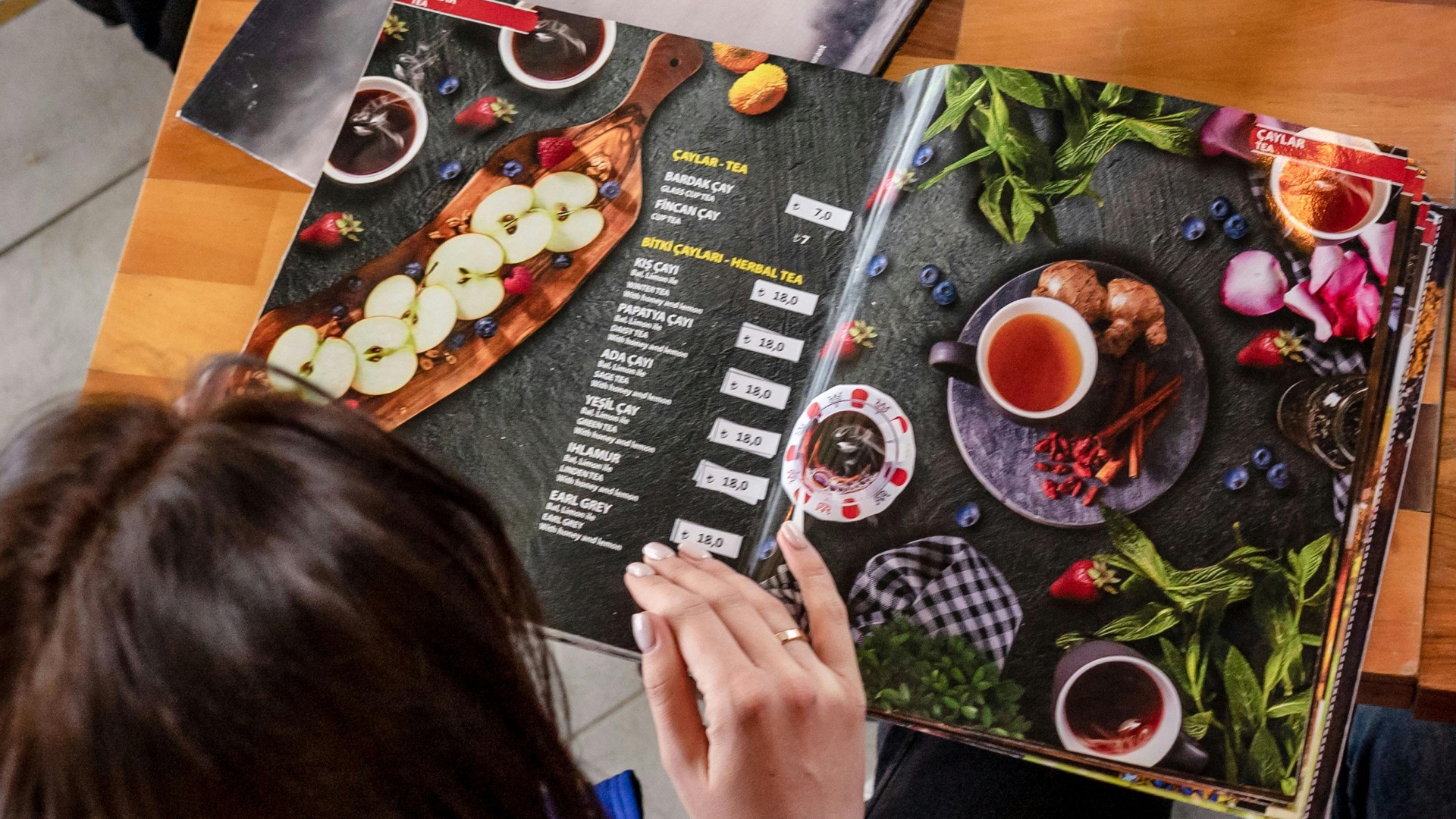
Printed menus with too many photos can look cluttered, but digital menus can include images in a cleaner way. When the photos are accurate and well presented, they can help you understand portion size, plating, or what an unfamiliar dish looks like. That can be especially useful when you’re deciding between items you’ve never tried before.
10. Give Restaurants More Flexibility
QR code menus make it easier for restaurants to test specials, adjust offerings, promote limited-time dishes, and respond to supply changes. That flexibility can lead to fresher menus and fewer disappointing moments where you order something only to hear it’s unavailable. For guests, the best version of a QR menu is one that makes the restaurant more responsive without making the meal feel less human.
KEEP ON READING
The Most Popular Signature Dishes Around the World